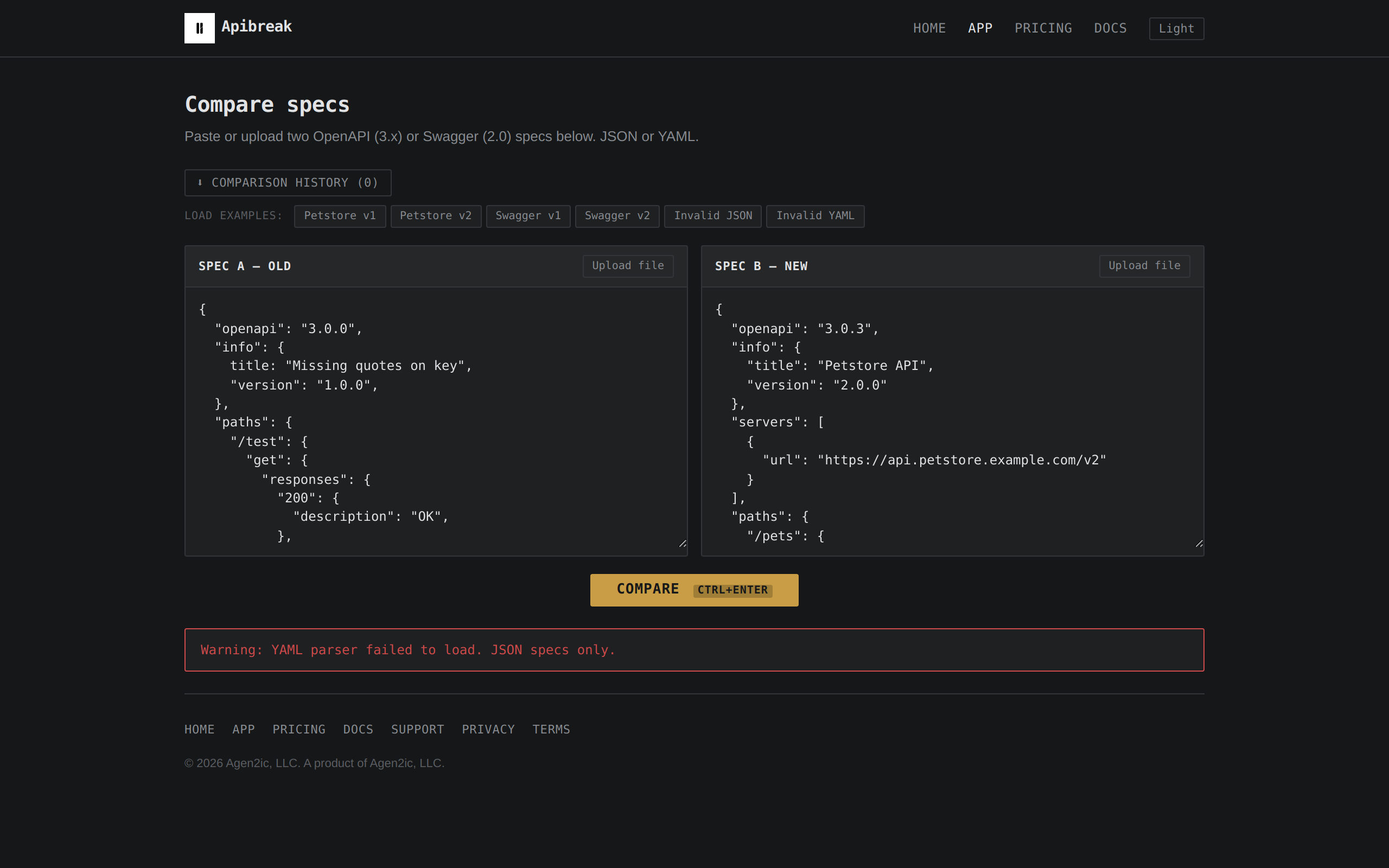
01 / WHAT THE PRODUCT DOES
A breaking change buried in forty revised lines.
A text diff shows a deleted block and an added block. Resolving a $ref, making a field required, or removing a response code each look like any other edit. None of them are.
Apibreak normalizes both specs to a shared structural representation, walks the schema tree, and classifies every difference by what it means for a client: BREAKING (existing clients stop working), ADDITIVE (new capability, old clients unaffected), or COSMETIC (no semantic effect). The report is a taxonomy, not a highlight.
Built for API engineers, platform teams, and backend developers who review OpenAPI diffs in pull requests and need to know which changes matter before they approve.
02 / HOW THE DIFF WORKS
The diff engine does not read text.
Two specs parsed and normalized into a common internal representation — $refs resolved, Swagger 2.0 aligned with OpenAPI 3.x, descriptions and examples stripped for structural comparison.
Parse and validate
JSON or YAML input. Rejects anything that is not a valid OpenAPI or Swagger document with a clear error message.
Normalize and resolve
Components/schemas flattened, $refs resolved, parameters and responses reduced to a common schema shape. Each spec becomes a tree.
Walk and classify
Every path, method, parameter, request body and response compared node by node. Type narrows? Breaking. Parameter becomes required? Breaking. New endpoint? Additive. Description changed? Cosmetic — counted, not listed.
Read and share
Results rendered in three collapsible buckets. Copy as Markdown or download as a .md file. Nothing leaves the browser.
03 / WHAT IT CATCHES
Every change classified, not coloured.
Three buckets, each with its own semantic meaning. Here is what a real diff looks like when you compare an old spec against a revision that added a new photo upload endpoint, renamed a path parameter, and updated a description:
species became required in request body. Old clients that omit it send invalid payloads.
tags in request body.
04 / WHAT IT WILL NOT DO
Here is what falls outside the diff.
- Fetch a spec from a URL or repository. Paste or upload a file.
- Resolve $refs that point to external documents. All references must be resolvable from within the spec itself.
- Judge whether a breaking change is justified. The tool classifies; the team decides.
- Store anything after the comparison closes. Refresh the page — everything is gone.
- Analyse oneOf/anyOf/allOf membership changes individually. The composite schema is compared as a whole.
05 / PRICING
Free for what most teams need.
The comparison tool is free, runs entirely in your browser, requires no account, and handles JSON and YAML specs of any size. A Pro tier is planned that would add batch comparison and larger exports for team review workflows.
06 / TAKE IT WITH YOU
Compare two specs right now.
No account. No sign-up. No data stored. Paste two specs into the app and see what breaks.